Merch is one of my favorite things to design, and one of the easiest to get wrong. The graphic that looks perfect on your screen can turn into a blob of thread on a cap or a muddy print on a black shirt. Most of it comes down to knowing how each method works, and sending the right file.
Screen printing
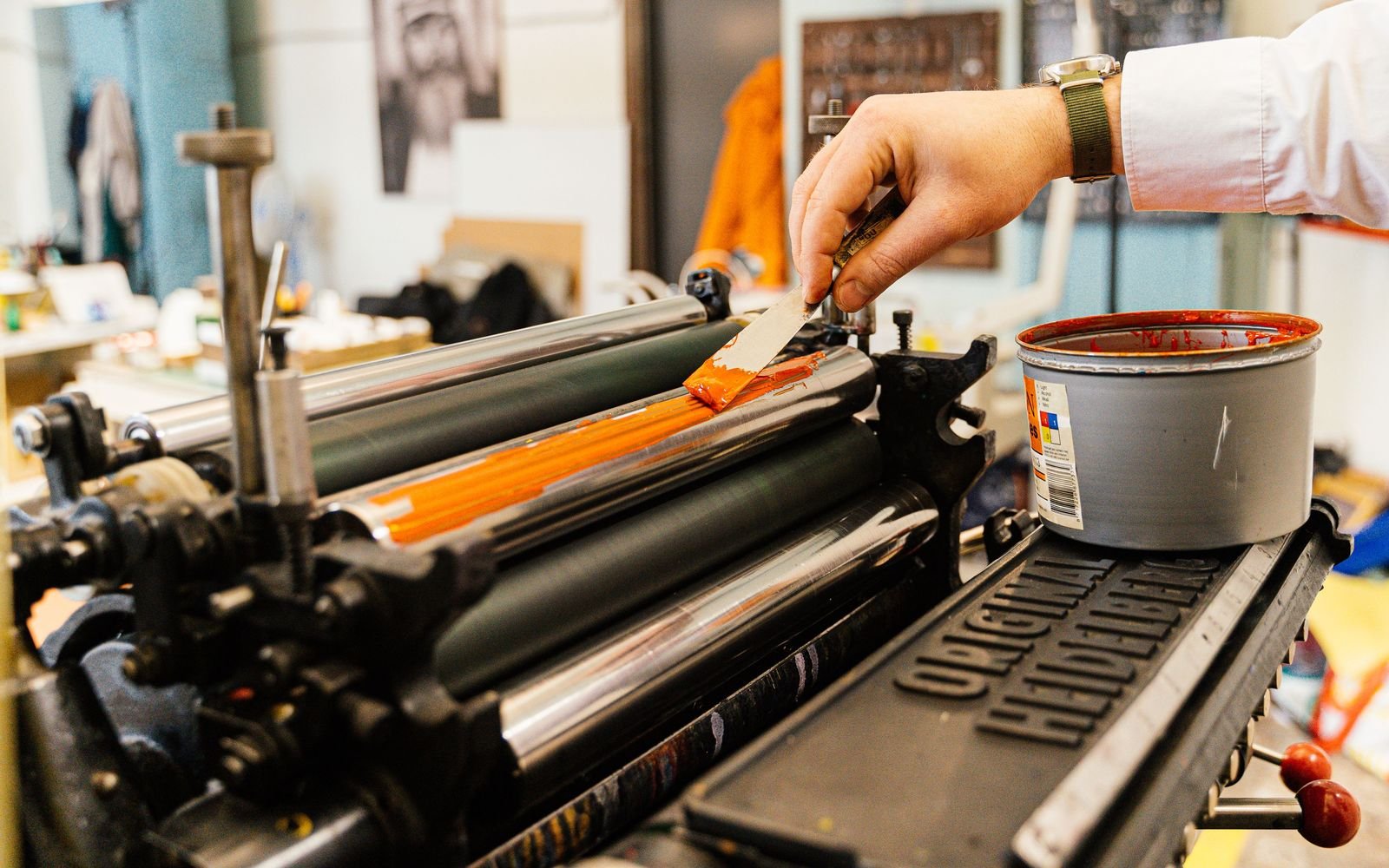
Screen printing pushes ink through a mesh screen, one screen per color. It’s bright, durable and cheap in bulk, and the price usually goes up with every extra color.
- Send vector files (AI, EPS, PDF or SVG) with text converted to outlines
- Keep the color count low and use solid spot colors
- Gradients and photos need halftones, which the printer should set up with you
- Tell the printer the garment color. On dark fabric, the white base layer counts as a color too
DTG and DTF printing
Direct to garment (DTG) and direct to film (DTF) print in full color, a bit like an inkjet printer. They’re great for detailed illustrations and small runs.
- A high resolution PNG with a transparent background
- 300 ppi at the actual print size, so a 12 by 16 inch print is 3600 by 4800 pixels
- Avoid soft shadows and semi transparent edges, they can print as a faint box
Embroidery
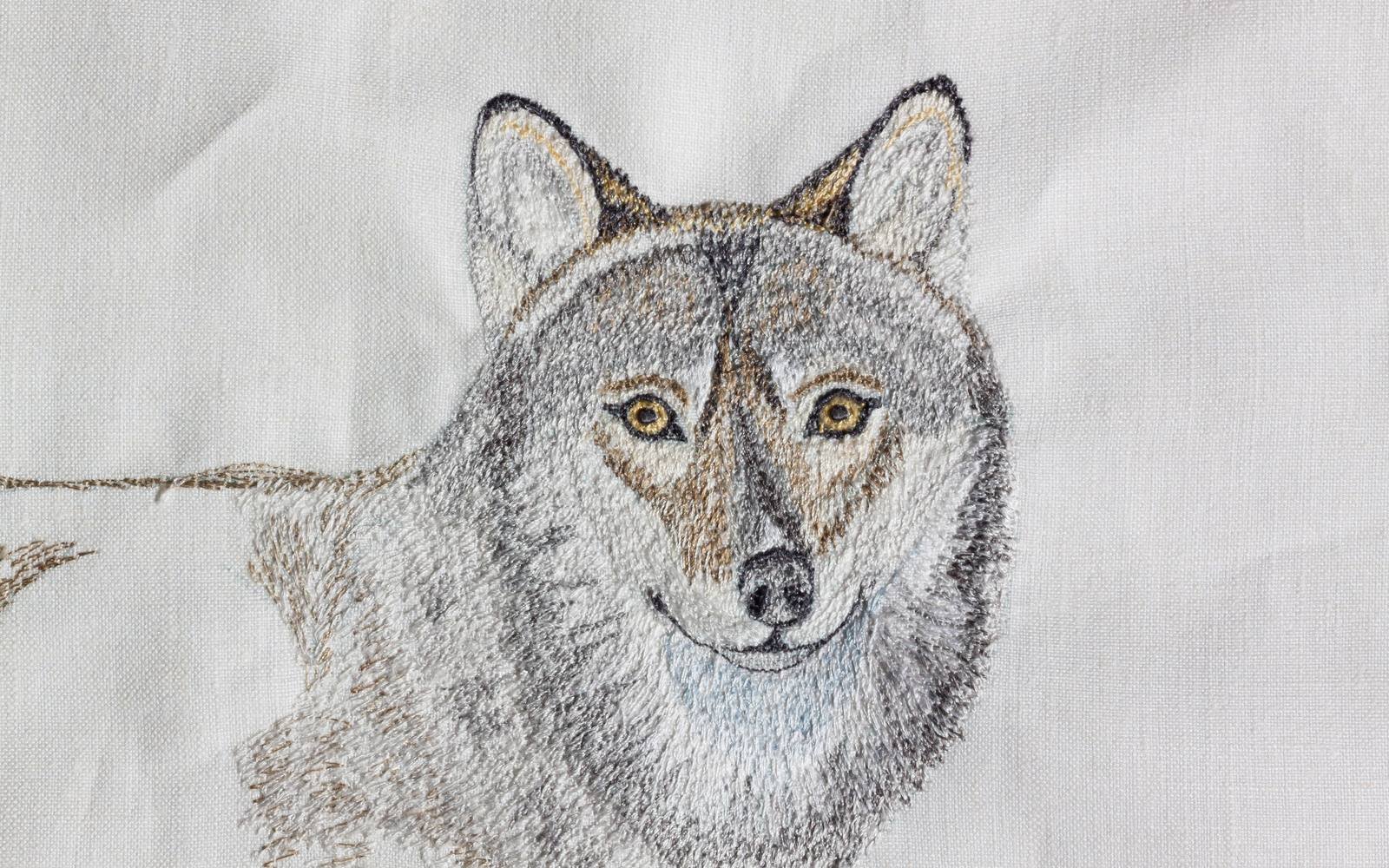
This is the one that surprises people. An embroidery machine can’t read your logo file. The design has to be digitized: someone converts it into stitch instructions, choosing the stitch type, direction and order for every shape.
The machine file depends on the machine. DST is the most common for commercial machines, PES is Brother’s format, JEF is Janome’s and EXP is used by Melco and Bernina. Most embroidery shops handle the digitizing. What they need from you is a clean vector logo and your thread colors.
A few design rules:
- Keep text big. Anything under about 6 mm (a quarter inch) tall gets hard to read
- Thin lines and tiny details disappear or pucker
- No gradients, glows or shadows
- Fewer colors look cleaner and cost less
- A left chest logo is only about 3 to 4 inches wide, so simplify
This is where a simple logo pays off. If yours has a lot of fine detail, it’s worth having a simplified version made just for stitching.
RGB vs CMYK on merch
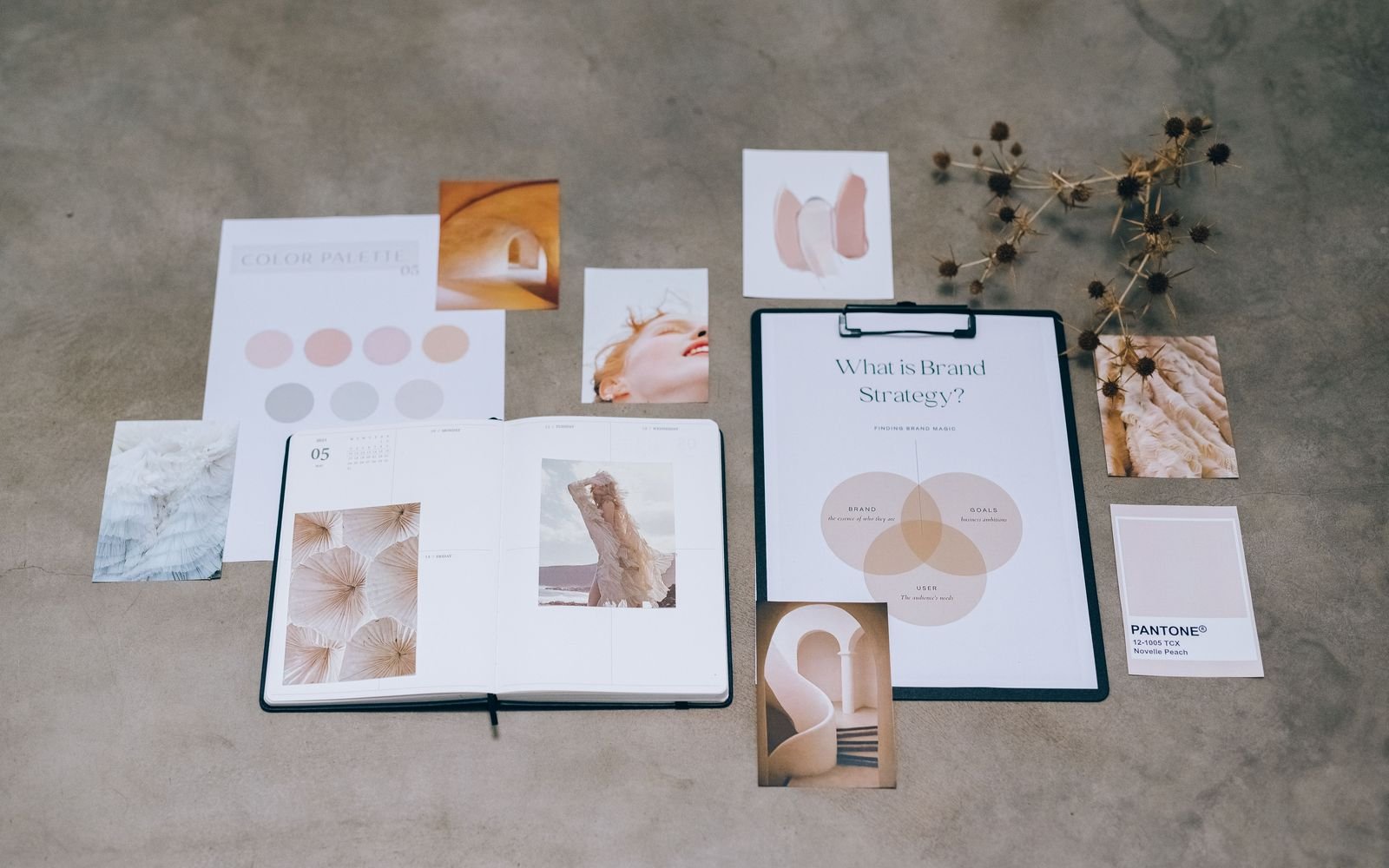
Screens mix light (RGB) and printing mixes ink (CMYK). Some bright screen colors, especially neons and very saturated oranges and blues, can’t be printed exactly. For merch, the best way to lock a color is a Pantone reference for print and a specific thread color for embroidery. More on this in print design basics.
And before a big order, always ask for a sample or at least a photo proof. It’s a lot cheaper than 200 hats in the wrong orange.